Step 1
Log in to Academica at a.wayne.edu.
Step 2
Click Employee Resources in the WSU Resources box on the left-hand side of the page.
Step 3
There are a wide variety of resources for you here. Options for Time Sheets, Pay Stubs and Leave (Vacation) Balances are in the Employee Self-Service sub-menu.
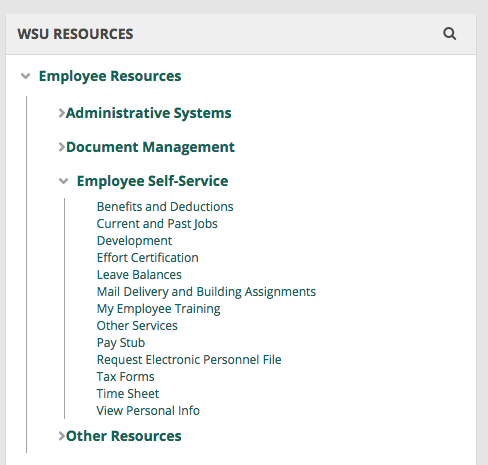
Note: if you can't find what you are looking for in the menus, use the search box at the top of the page.